IPTV player for iPhone & iPad
Your playlist.
Beautifully played.
Add your M3U playlist or Xtream Codes login and watch live TV, movies and series with EPG, favorites and continue watching, in a clean app built for iPhone and iPad.
Media player only. No channels, playlists or streams included.

Scan with
your iPhone
- Free
- iPhone & iPad
- 10 languages
- No account needed
Features
Everything your playlist needs. Nothing it doesn't.
A calm, dark interface that puts your content first, with the features you actually use every day.
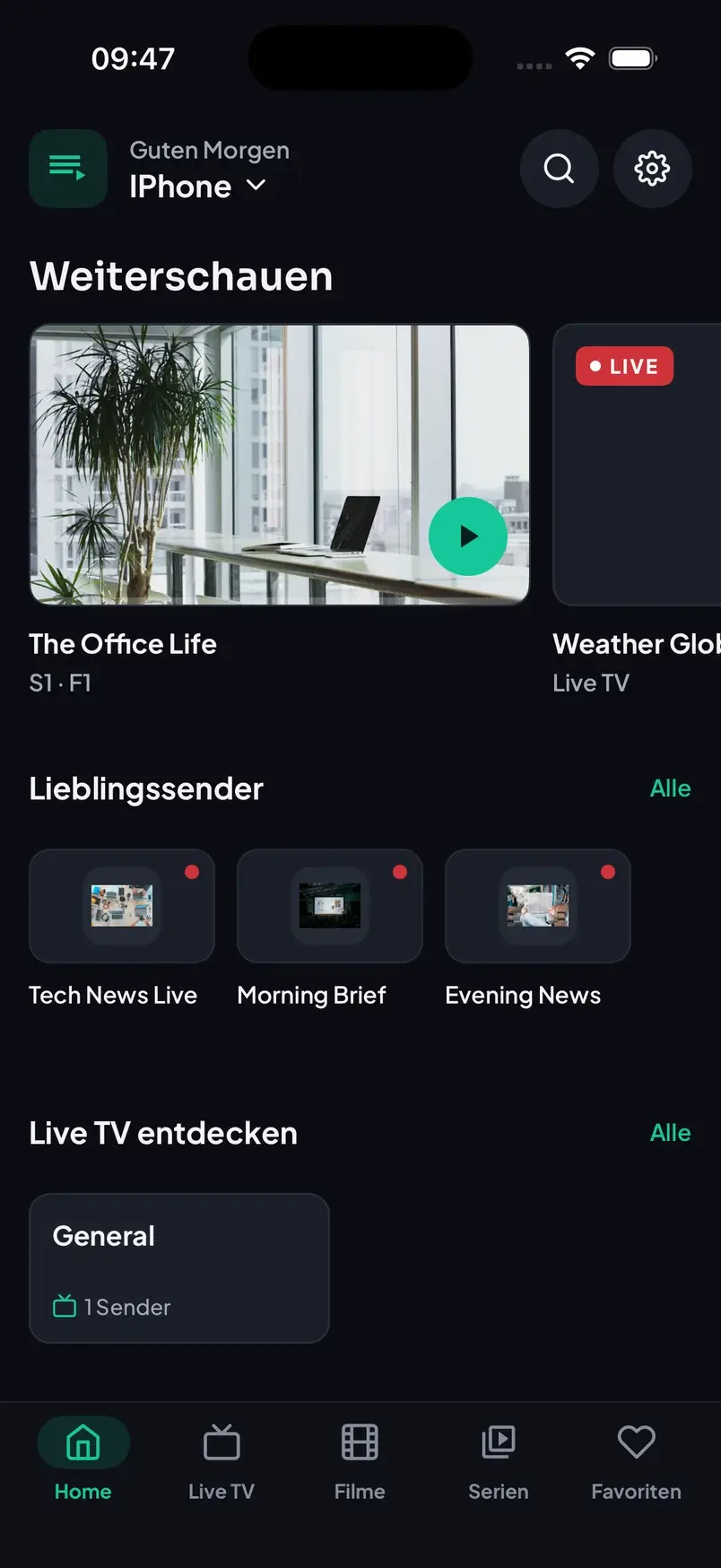
Home
Pick up where you left off
Continue watching, your favorite channels and all categories on one home screen. Every movie and episode remembers where you stopped.
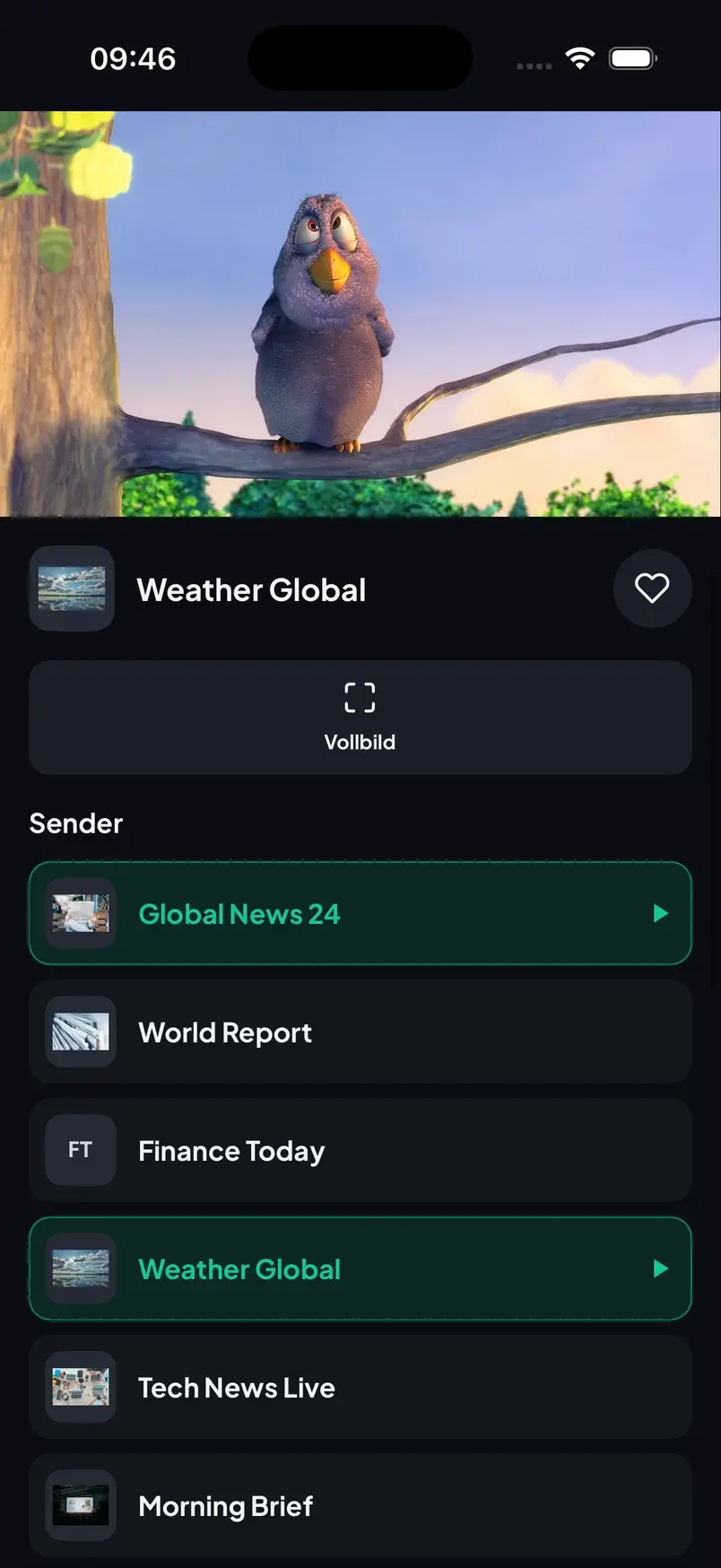
Live TV
Live TV with a built-in mini player
Keep watching while you browse the channel list, see what is on now thanks to EPG, and save channels as favorites with one tap.
Movies & Series
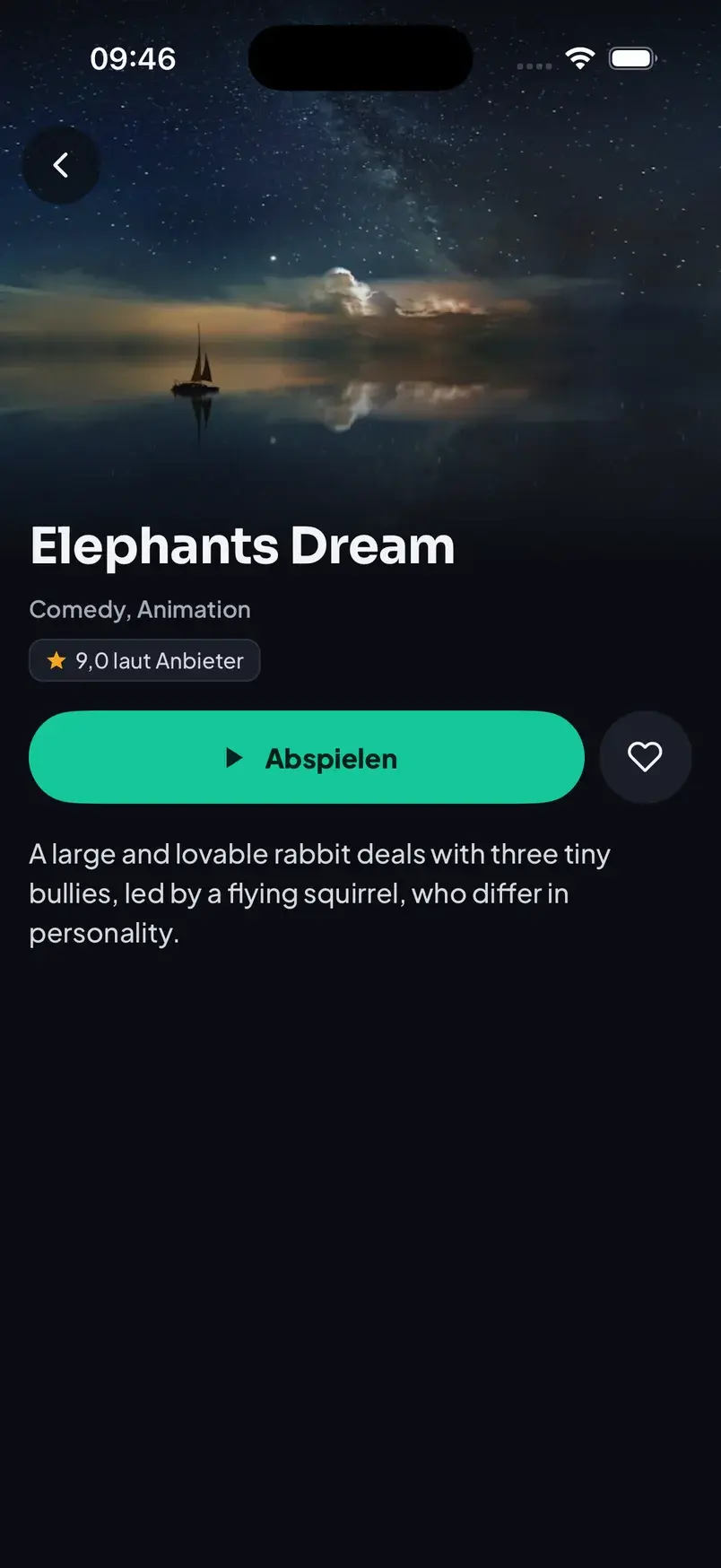
Movies and series, neatly organized
Posters, descriptions and ratings from your provider, seasons and episodes, and one big play button. Start or resume in a second.
Xtream Codes & M3U
Log in with Xtream Codes or add any M3U / M3U8 playlist link.
Multiple playlists
Add several playlists and switch between them from the home screen.
Favorites & history
Save channels, movies and series and find them again instantly.
Fast search
Search across live TV, movies and series of your playlist.
10 languages
English, German, Turkish, French, Spanish, Dutch, Polish, Portuguese, Romanian and Albanian.
Private by design
No account. Your logins and playlists stay on your device and are never sent to us.
iPad
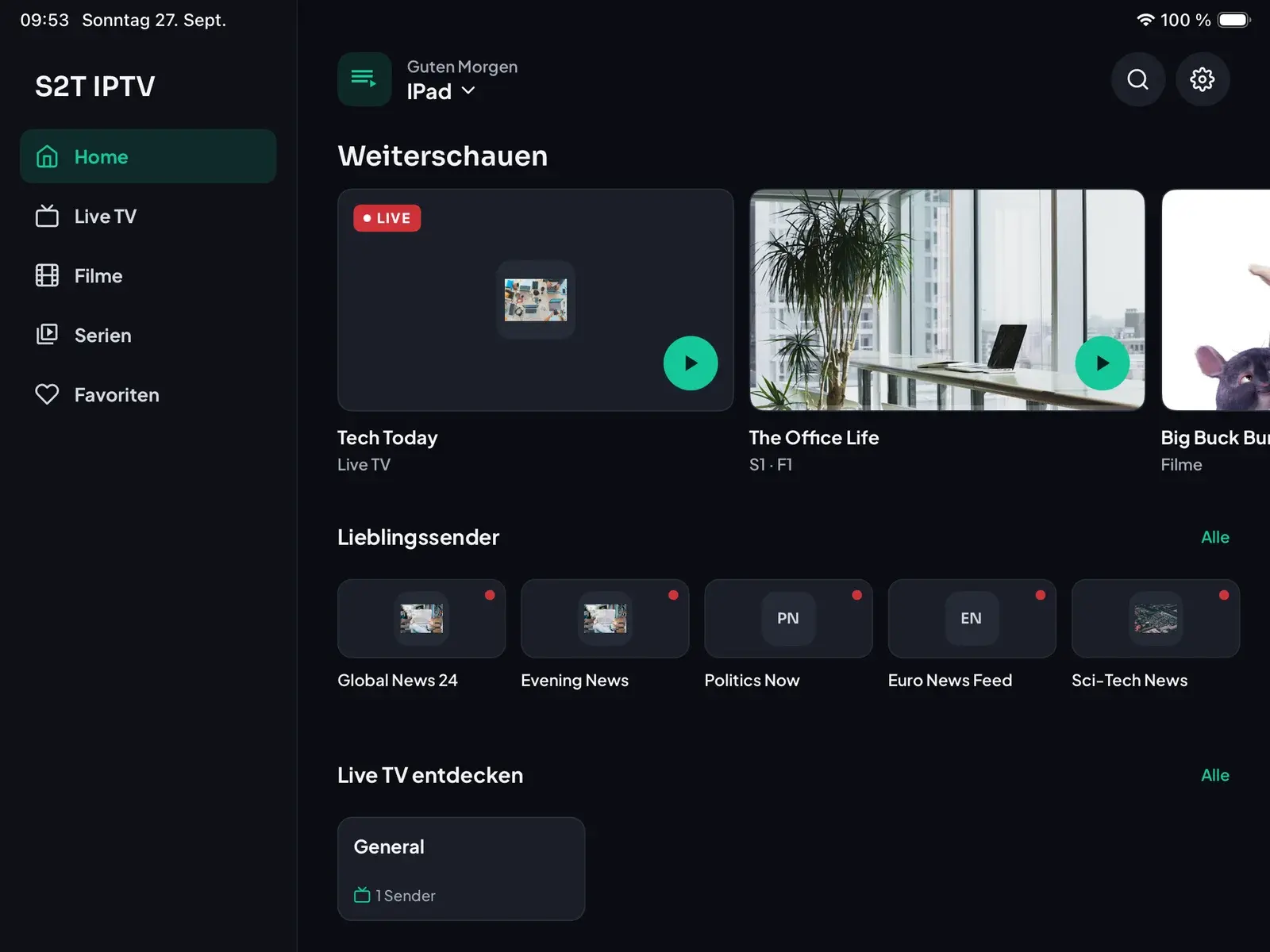
Made for the big screen, too
On iPad, S2T IPTV uses a sidebar for quick navigation and a split view that keeps the live player right next to the channel list.
How it works
Ready in under a minute
- 1
Download the app
Get S2T IPTV for free from the App Store on your iPhone or iPad.
- 2
Add your playlist
Enter the M3U link or Xtream Codes login from your own provider. We don't provide any content.
- 3
Start watching
Browse live TV, movies and series, save favorites and continue where you left off.
FAQ
Frequently asked questions
Does S2T IPTV include channels or playlists?
No. S2T IPTV is only a media player. It does not provide, sell or include any playlists, channels or streams. You need your own M3U playlist or Xtream Codes login from a provider you are legally allowed to use.
Where do I get a playlist?
From your IPTV provider. With your subscription they usually send you an M3U link or Xtream Codes login details (server address, username and password). We don't sell or recommend any providers.
Is S2T IPTV free?
Yes. The app is free to download and supported by ads. There are no in-app purchases.
Where are my login details stored?
Only on your device. There is no account, and your playlists and logins are never sent to us. Deleting a playlist or uninstalling the app removes them.
Which devices are supported?
iPhone and iPad with iOS 15.1 or later. The app is also available on Macs with Apple silicon through the App Store.
Which formats work?
M3U and M3U8 playlist links as well as Xtream Codes logins, with live TV, movies, series and EPG where your provider supplies them.
A channel doesn't play. What can I do?
Most playback problems come from the stream itself, so first check with your provider that the channel works. If the problem only happens in S2T IPTV, write to us and we'll take a look.
Need help?
Questions, bug reports or feedback: write to us and we'll get back to you.
trnstudios@outlook.de